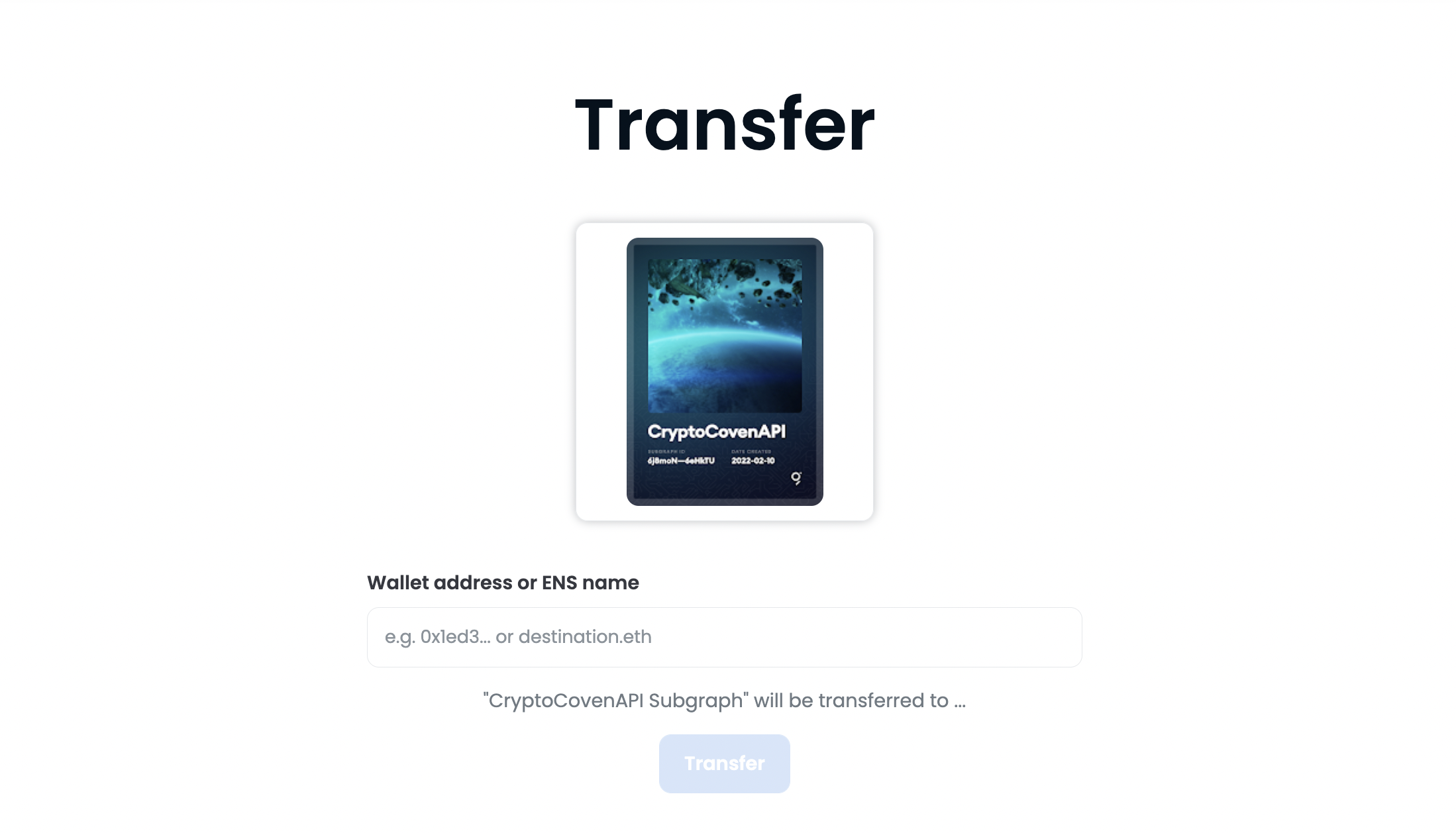
Transferring a Subgraph
Subgraphs published to the decentralized network have an NFT minted to the address that published the Subgraph. The NFT is based on a standard ERC721, which facilitates transfers between accounts on The Graph Network.
Reminders
- Whoever owns the NFT controls the Subgraph.
- If the owner decides to sell or transfer the NFT, they will no longer be able to edit or update that Subgraph on the network.
- You can easily move control of a Subgraph to a multi-sig.
- A community member can create a Subgraph on behalf of a DAO.
View Your Subgraph as an NFT
To view your Subgraph as an NFT, you can visit an NFT marketplace like OpenSea:
https://opensea.io/your-wallet-addressOr a wallet explorer like Rainbow.me:
https://rainbow.me/your-wallet-addresStep-by-Step
To transfer ownership of a Subgraph, do the following:
-
Use the UI built into Subgraph Studio:
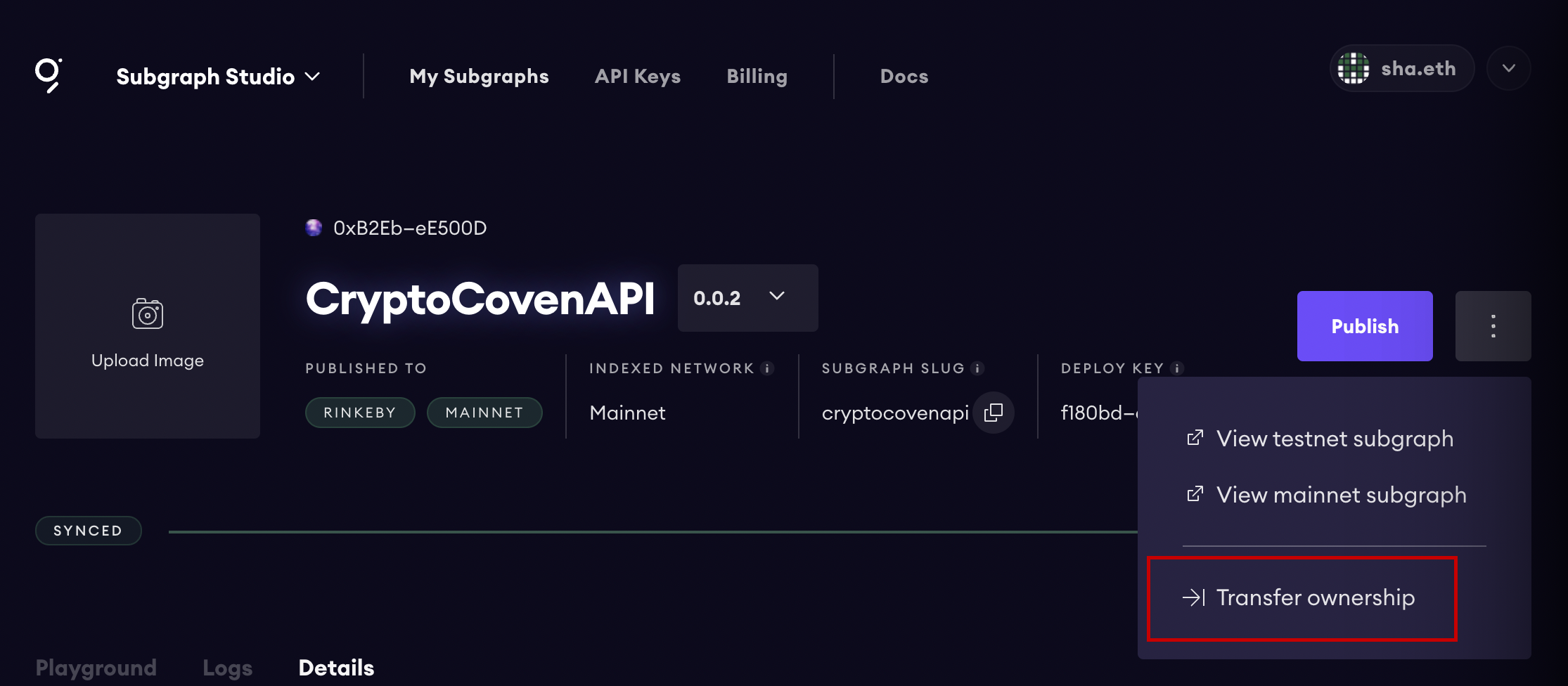
Subgraph Ownership Transfer -
Choose the address that you would like to transfer the Subgraph to:
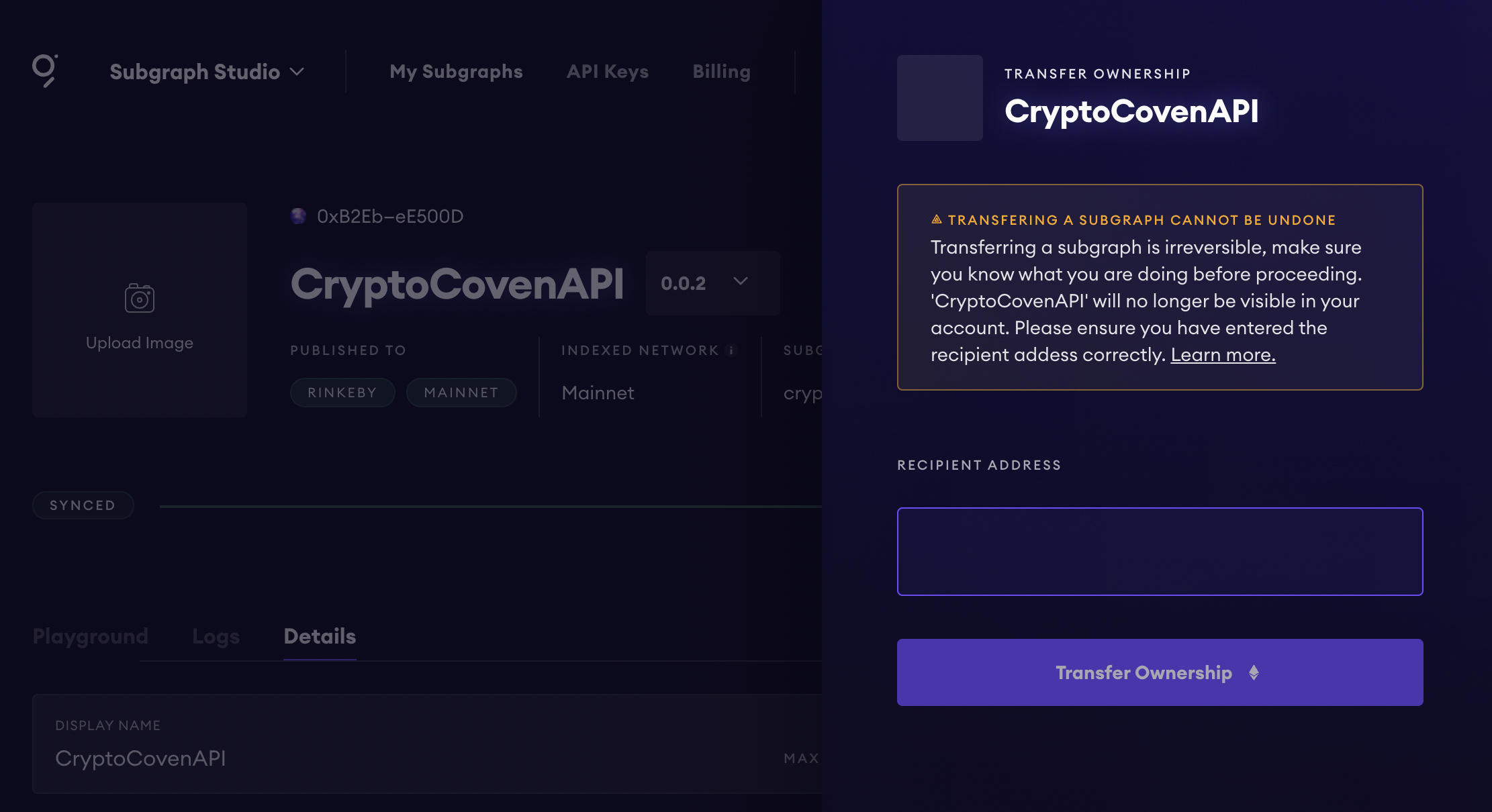
Subgraph Ownership Transfer
Optionally, you can also use the built-in UI of NFT marketplaces like OpenSea: